Trustpool: Frost wallet2.5.1
Publisher Description

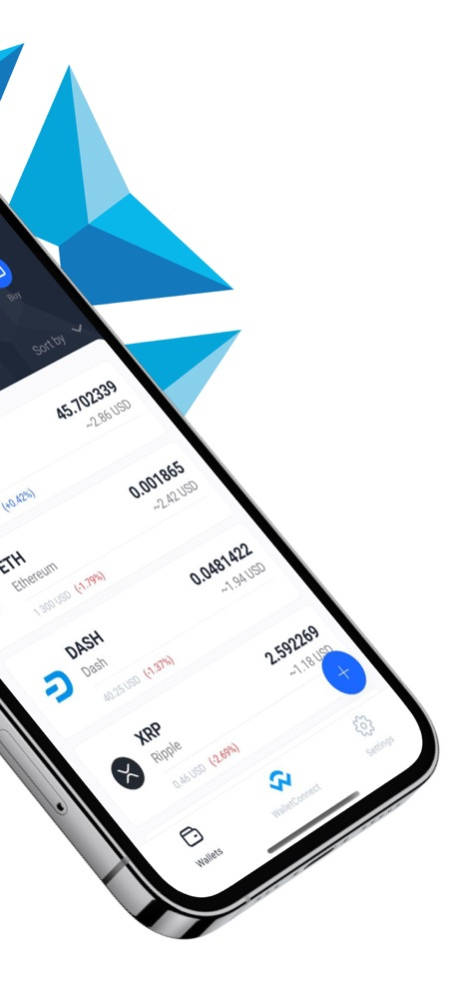
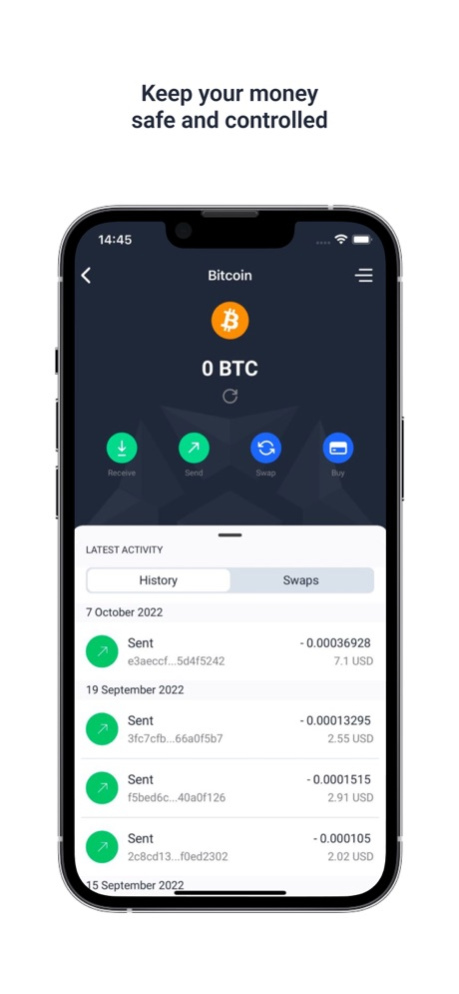

Frost Wallet is a secure, decentralised cryptocurrency wallet from the TrustPool mining pool team. The app is non-custodial - your data is stored on the device where the app is installed, not on a shared server.
→ Top up your cryptocurrency wallet and send cryptocurrency without fees
→ Change cryptocurrency quickly and profitably
→ Manage assets without transferring your key to third parties
The app supports coins:
Bitcoin (BTC), Bitcoin Cash (BCH), Litecoin (LTC), Dogecoin (DOGE), Ethereum (ETH), Raven coin (RVN), Tron (TRX), Zcash (ZCASH), DASH coin (DASH), Solana (SOL), Trust Me Coin (TMC), USDT (TRC20, ERC20) , USDC (sol), Ethereum Classic (ETC), Zilliqa (ZIL), Callista (CLO), Ripple (XRP), Cardano (ADA), SHIBA INU (SHIB)
Frost Wallet is a cryptocurrency wallet that grows and evolves thanks to users.
Do you have any suggestions for improvement or modification of functionality? Email us and we will incorporate your suggestions in future updates.
Sep 6, 2023
Version 2.5.1
- matic fix
About Trustpool: Frost wallet
The company that develops Trustpool: Frost wallet is Trustpool DOO. The latest version released by its developer is 2.5.1.
To install Trustpool: Frost wallet on your iOS device, just click the green Continue To App button above to start the installation process. The app is listed on our website since 2023-09-06 and was downloaded 9 times. We have already checked if the download link is safe, however for your own protection we recommend that you scan the downloaded app with your antivirus. Your antivirus may detect the Trustpool: Frost wallet as malware if the download link is broken.
How to install Trustpool: Frost wallet on your iOS device:
- Click on the Continue To App button on our website. This will redirect you to the App Store.
- Once the Trustpool: Frost wallet is shown in the iTunes listing of your iOS device, you can start its download and installation. Tap on the GET button to the right of the app to start downloading it.
- If you are not logged-in the iOS appstore app, you'll be prompted for your your Apple ID and/or password.
- After Trustpool: Frost wallet is downloaded, you'll see an INSTALL button to the right. Tap on it to start the actual installation of the iOS app.
- Once installation is finished you can tap on the OPEN button to start it. Its icon will also be added to your device home screen.
Program Details
System requirements
Download information
Pricing
Version History
version 2.5.1
posted on 2023-09-06
Sep 6, 2023
Version 2.5.1
- matic fix
version 2.4.7
posted on 2023-08-16
Aug 16, 2023
Version 2.4.7
bug fixes
version 2.4.6
posted on 2023-07-11
Jul 11, 2023
Version 2.4.6
Minor improvements
version 2.4.5
posted on 2023-05-15
May 15, 2023
Version 2.4.5
- update ADA adapter
